
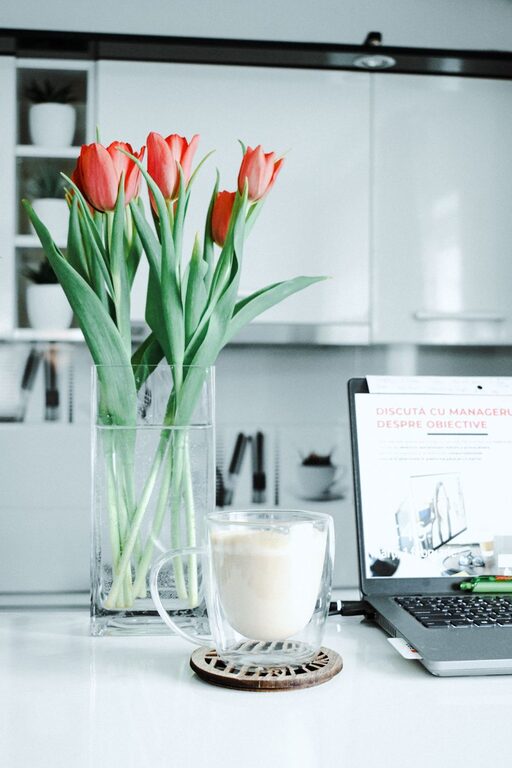
Creating a relaxing home workspace is more important than ever, especially as many people continue to work remotely. A well-designed workspace can help reduce stress, encourage focus, and improve overall productivity. In this post, we’ll explore practical tips for setting up a home office that feels peaceful and promotes efficient work habits.
Why a Relaxing Workspace Matters
Your environment can greatly influence how you feel and perform during the workday. A cluttered, noisy, or uncomfortable space can lead to distractions and burnout. In contrast, a calm and well-organized workspace helps you stay focused, feel motivated, and maintain a better work-life balance.
Choose the Right Spot in Your Home
Selecting the best location for your workspace is the fundamental first step.
– Find Natural Light: Try to position your desk near a window to benefit from natural daylight. Sunlight improves mood and reduces eye strain.
– Minimize Noise: Pick a quiet corner or consider using noise-canceling headphones if you are near household noises.
– Separate Work from Relaxation: If possible, avoid working in bedrooms or living rooms to signal a clear distinction between work and downtime.
Invest in Comfortable, Functional Furniture
Comfort plays a huge role in how long you can work without feeling fatigued.
– Ergonomic Chair: Choose a chair that supports your back properly and allows you to sit comfortably for long periods.
– Spacious Desk: Ensure your desk has enough room for your computer, documents, and other essentials.
– Adjustable Setup: Consider a desk or monitor stands that allow you to change positions (sitting/standing) to reduce stiffness.
Keep the Space Organized and Clutter-Free
A tidy workspace helps clear your mind and improve focus.
– Declutter Daily: Take a few minutes at the end of each day to put away papers and supplies.
– Use Storage Solutions: Utilize shelves, drawers, or desk organizers to keep items neat and accessible.
– Limit Personal Items: Add a few personal touches like a photo or plant, but avoid overdecorating which can become distracting.
Add Calming Elements
Incorporating soothing features can help make your workspace relaxing.
– Plants: Indoor greenery not only looks inviting but also purifies the air and reduces stress.
– Soft Lighting: Use adjustable lamps with warm light to create a cozy atmosphere, especially if you work during evenings.
– Aromatherapy: Fragrances like lavender or eucalyptus can promote calmness—consider essential oil diffusers or scented candles (only if safe).
Manage Technology Wisely
Technology is essential but can also cause interruptions.
– Organize Cables: Use cable clips or sleeves to keep cords untangled and off your desk.
– Limit Notifications: Turn off non-essential alerts during work hours to enhance concentration.
– Use Productivity Tools: Apps for time management, task tracking, or focus can help keep you on track.
Establish a Routine and Boundaries
A relaxing workspace also depends on how you use it.
– Set Work Hours: Define your start and finish times to maintain balance and avoid overworking.
– Take Breaks: Step away from your desk regularly to stretch or relax your eyes.
– Create Rituals: Small routines like morning coffee or tidying your desk before starting can help mentally prepare for work.
Personalize Without Overwhelming
Your workspace should feel welcoming but not cluttered.
– Choose Calming Colors: Soft tones like blues, greens, or neutrals can make the environment more peaceful.
– Incorporate Meaningful Items: A favorite quote, artwork, or small memento can boost your mood.
Final Thoughts
A relaxing home workspace is a vital part of staying productive and maintaining well-being. Thoughtful design, comfort, and organization can transform how you work and feel throughout the day. By making small adjustments to your environment and habits, you can create a space that supports your focus and helps you achieve your goals with less stress.
Start with one or two changes today, and build a workspace that makes your work-from-home experience both enjoyable and effective.